How to Create an Itinerary
Get started with Travvy by creating your first custom itinerary. Follow the steps below to create an itinerary!
Features
Step 1: Create a Trip
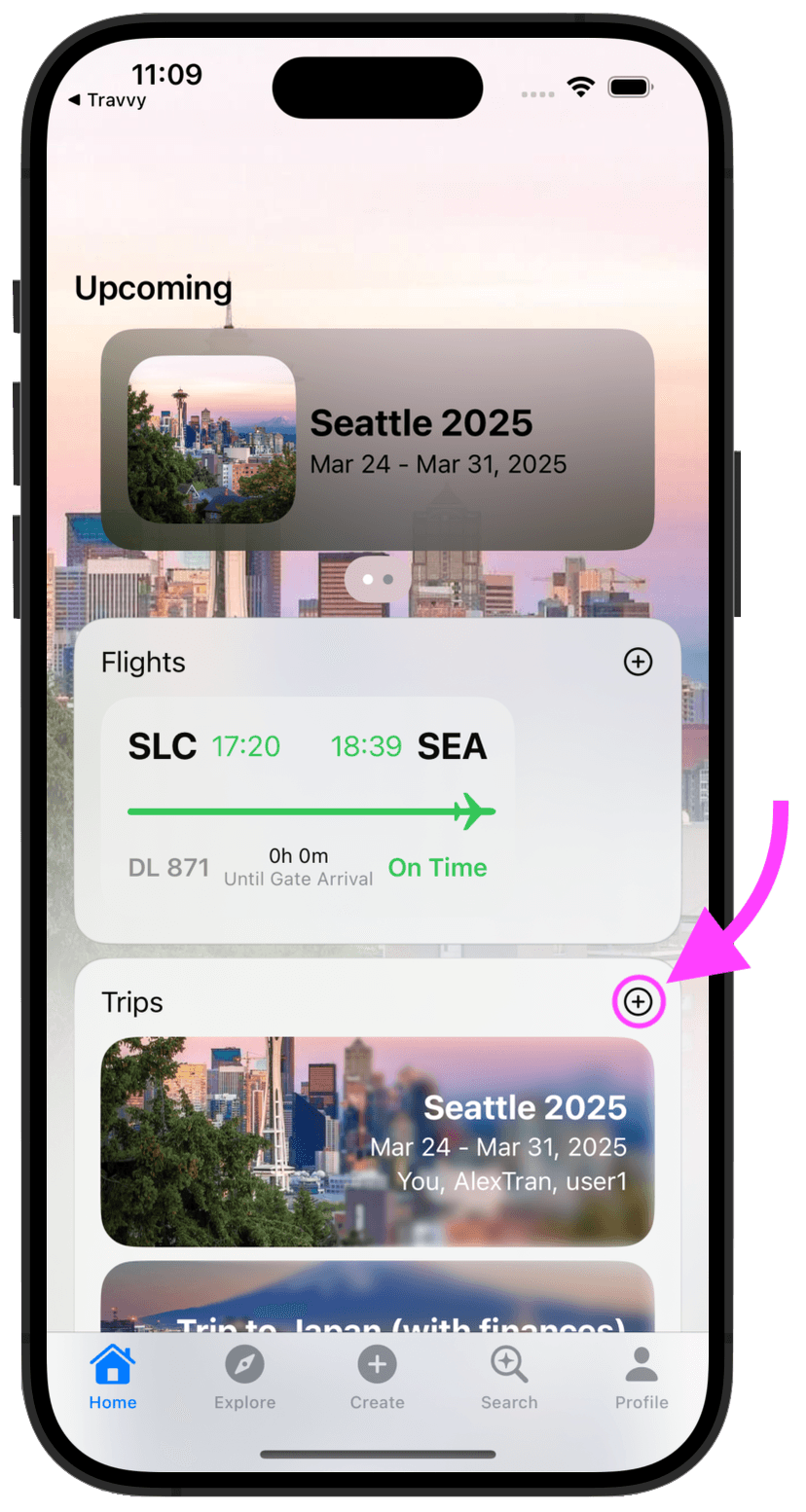
An itinerary can be made for a trip, but first, a trip must be made! Sroll down until you see your "Trips" tab, and then click the plus button.
Step 2: Fill in Trip Info
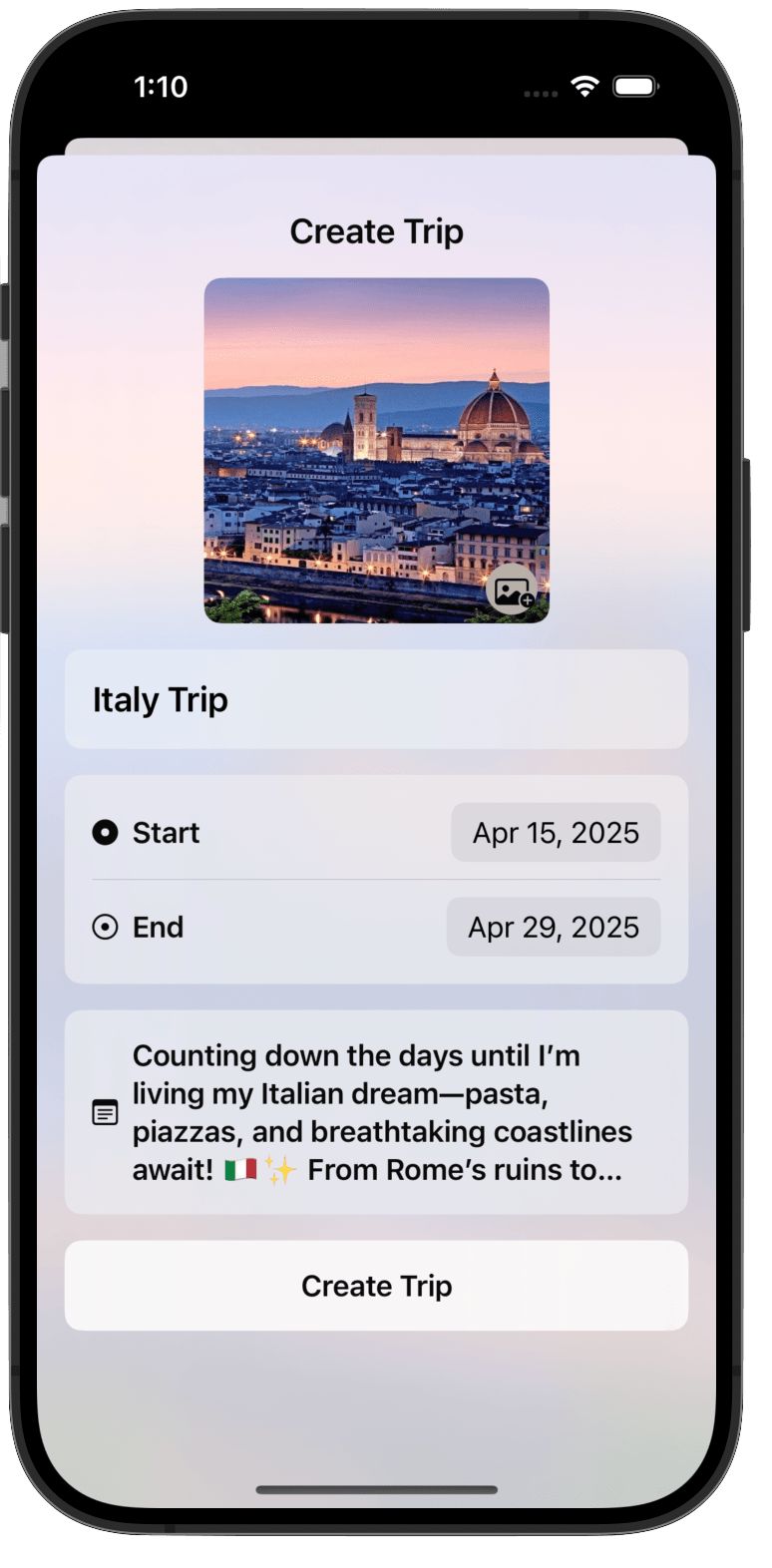
After you hit the plus button, you will be greeted with a screen where you can fill in your trip information and add a photo. Fill in this information, optionally add a photo, and then press "Create Trip".
Step 3: Find the Trip in the "Trips" Tab
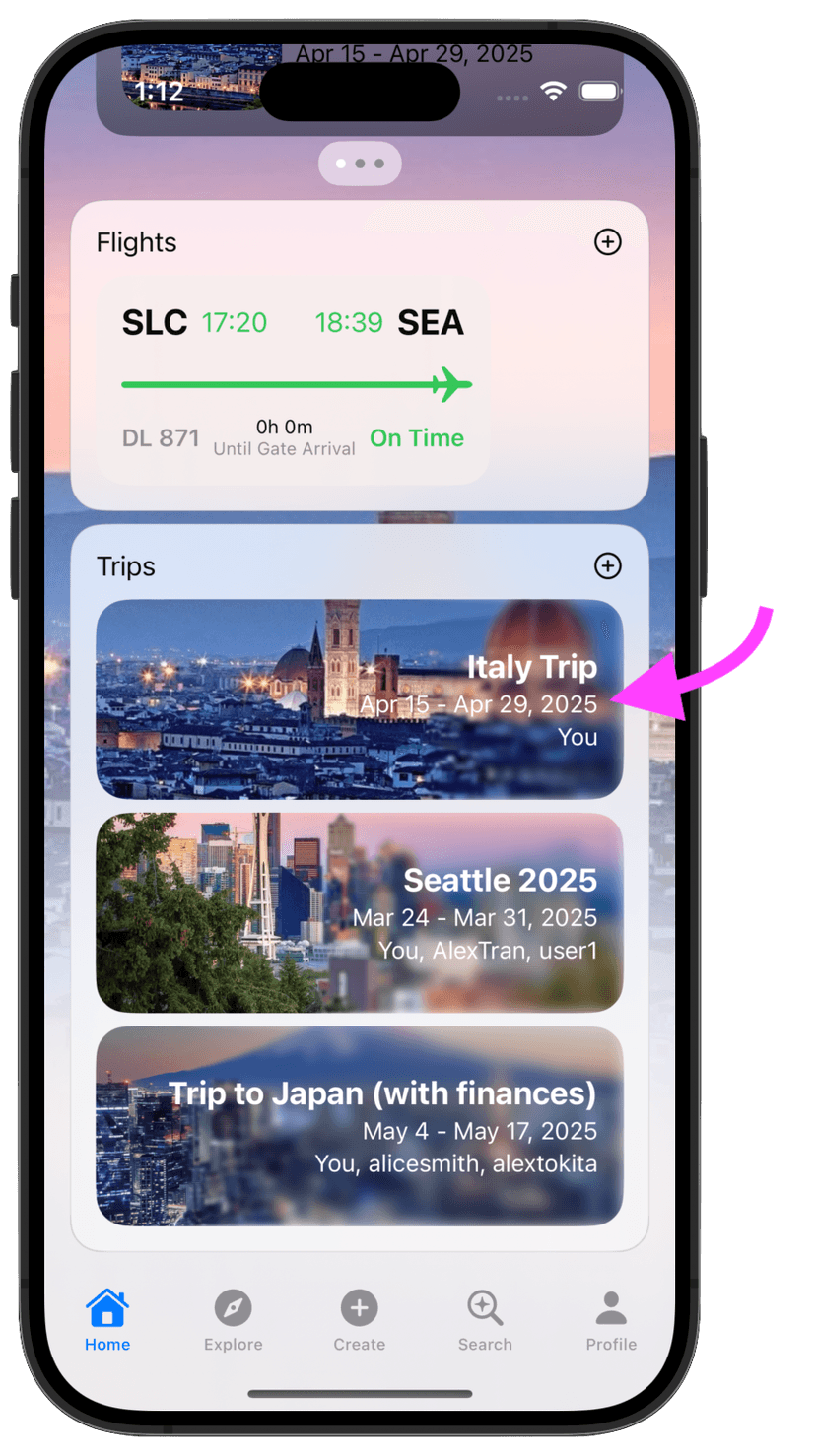
In the home screen, scroll down until you see your "Trips" tab. Click on the trip you just created.
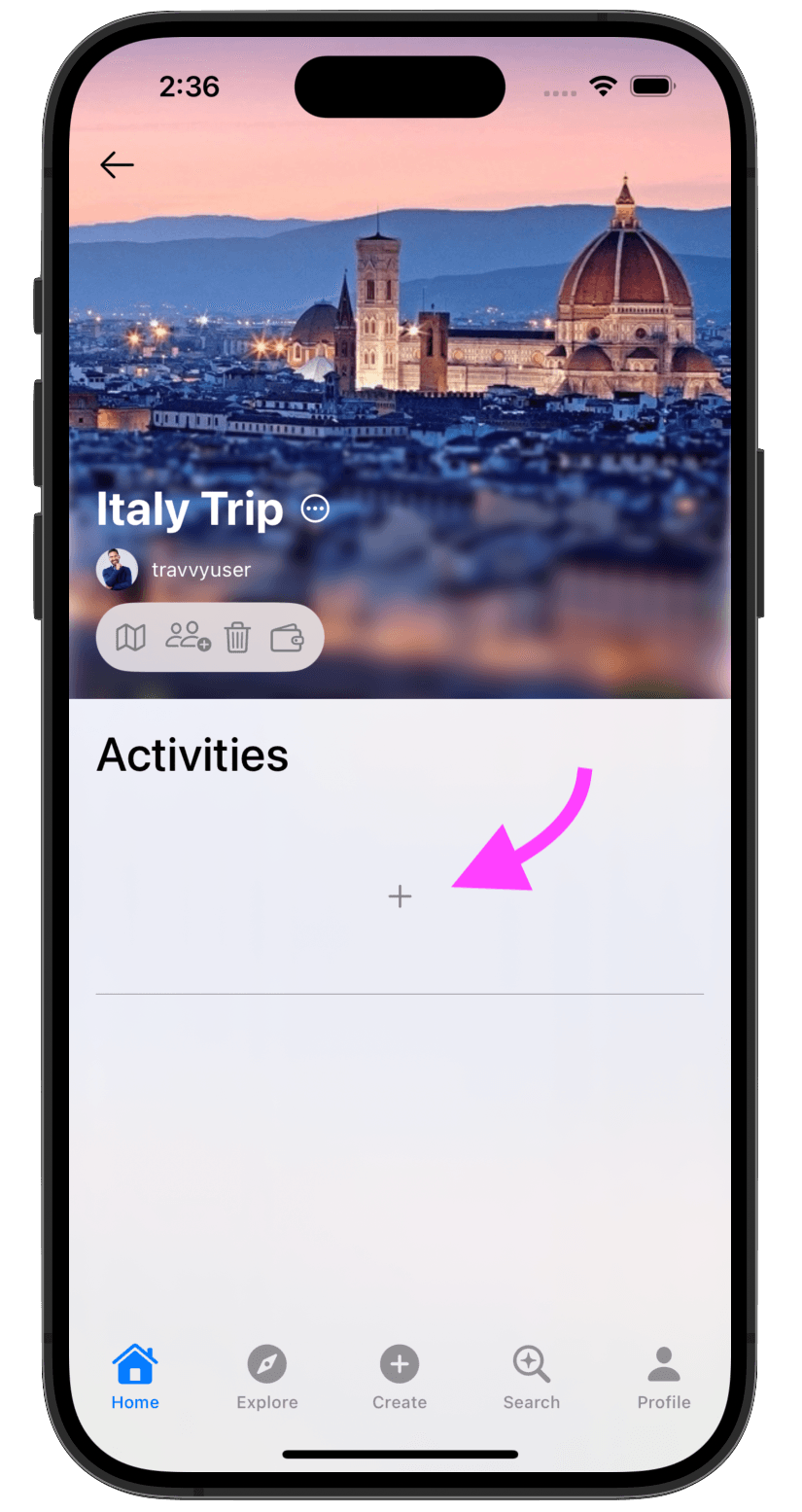
Step 4: Add Activities to the Trip Itinerary
Click the plus button to add an activty to your trip itinerary.
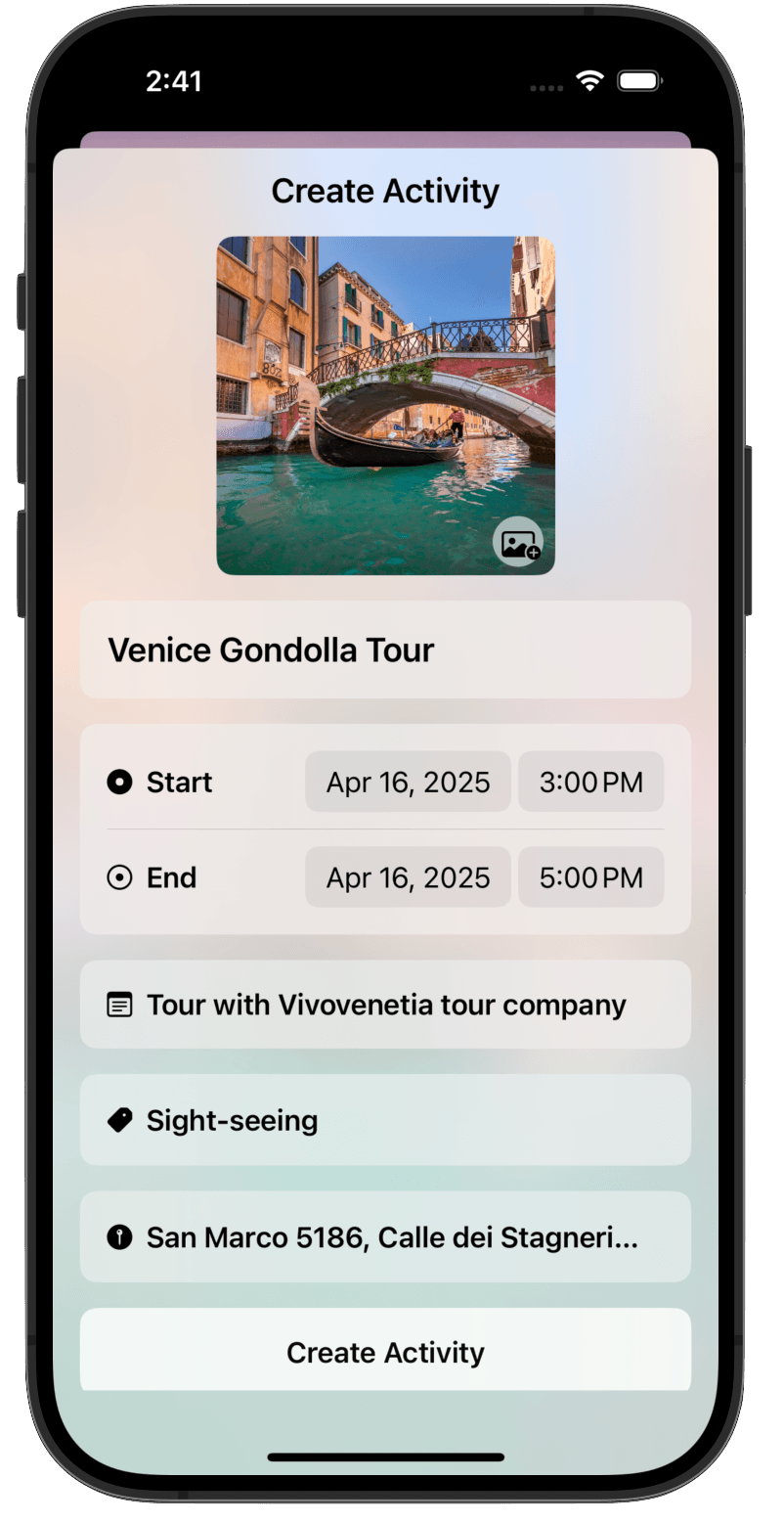
Step 5: Fill in Activity Info
After you hit the plus button, you will be greeted with a screen where you can fill in your activity information and add a photo. Fill in this information, optionally add a photo, and then press "Create Activity". You've now added your first activity to your trip itinerary! Now, repeat steps 4 and 5 to add more activities to your trip itinerary.