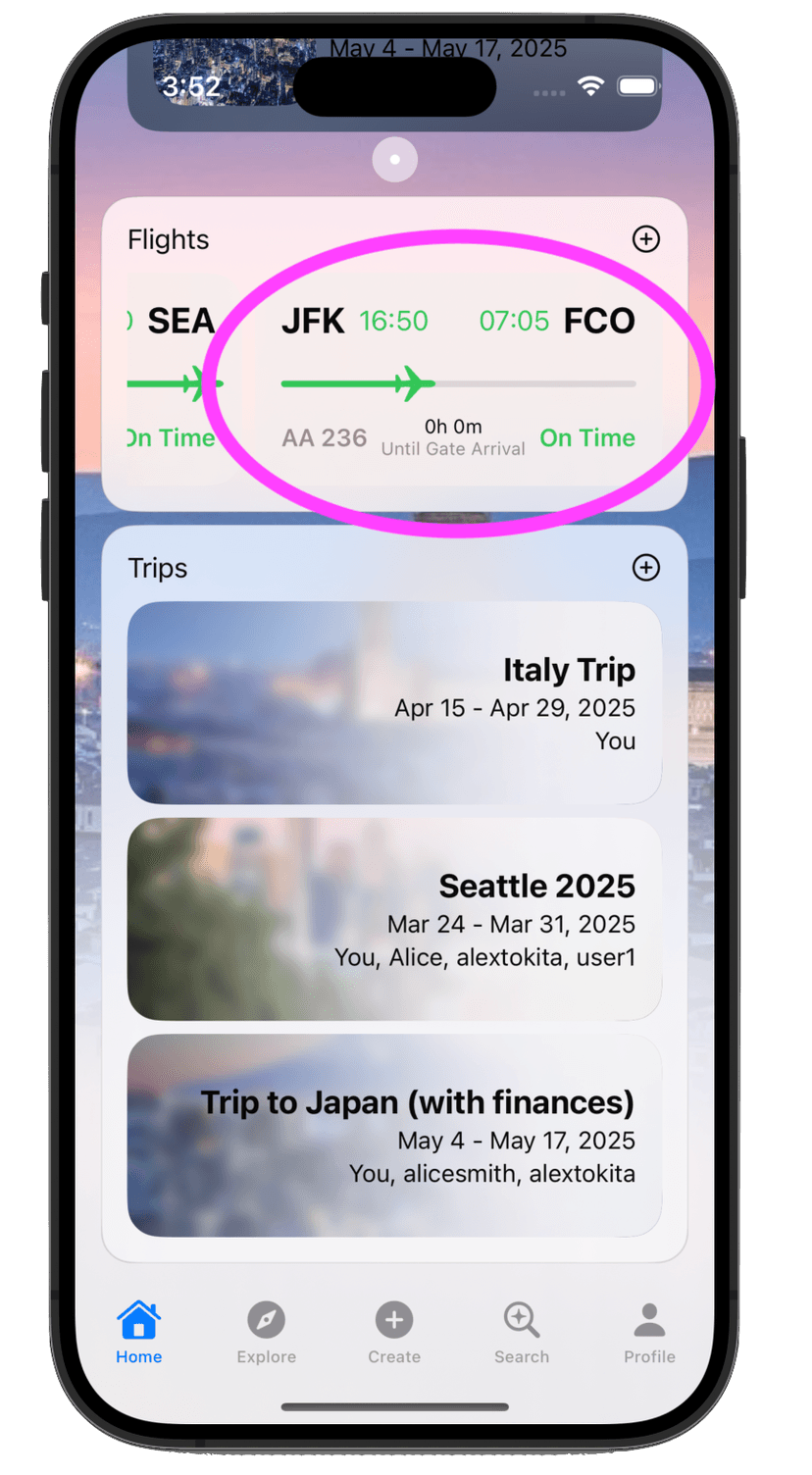
How to Add a Flight
Once you've setup a trip, you can add a flight (or multiple) to the trip so that you can track the flight's details all within Travvy! Follow the steps below to setup flight tracking!
Features
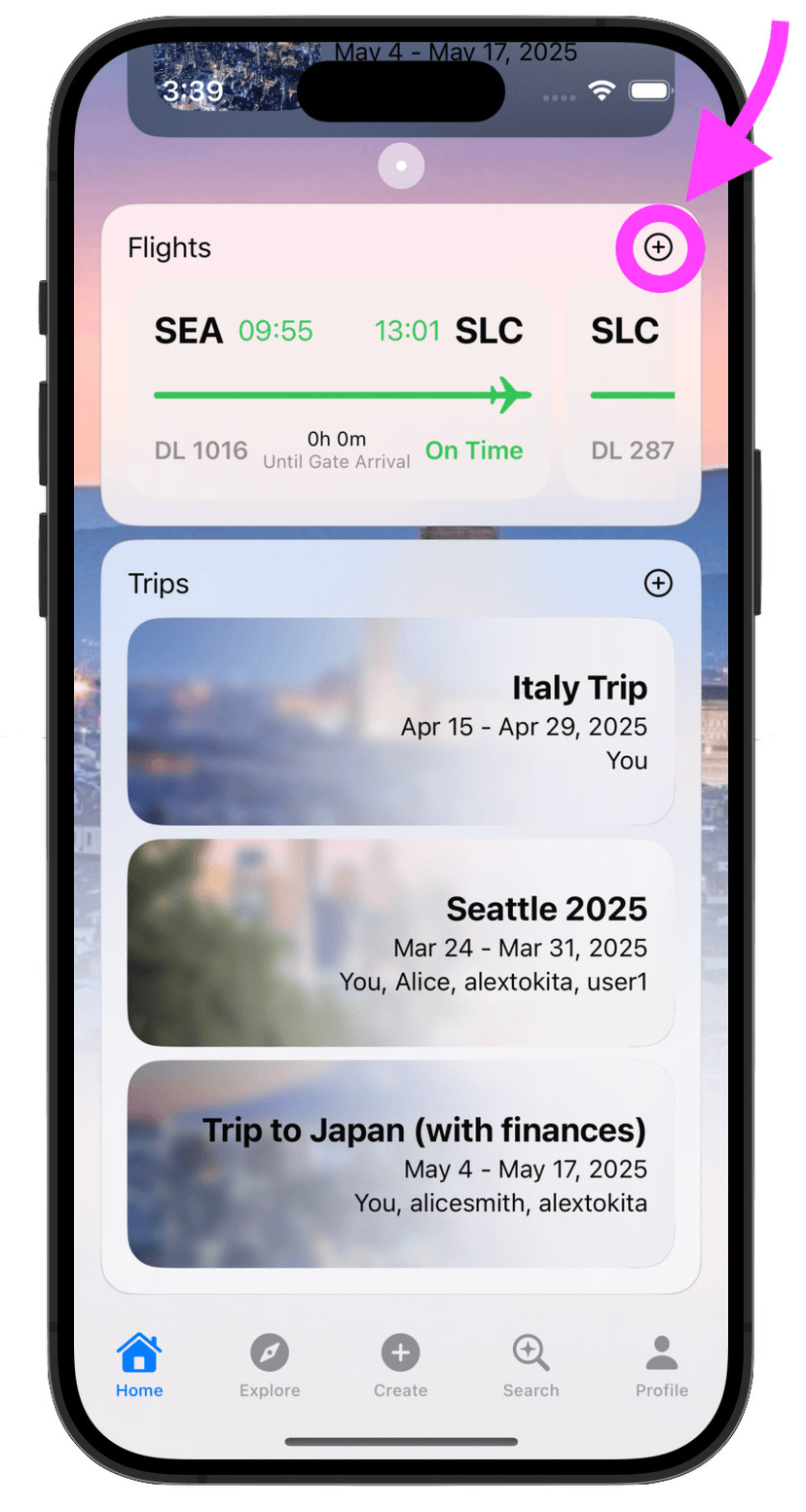
Step 1: Find the Plus Button in the Flights tab
In the home page, scroll down until you see your "Flights" tab. Click the plus button to add a flight.
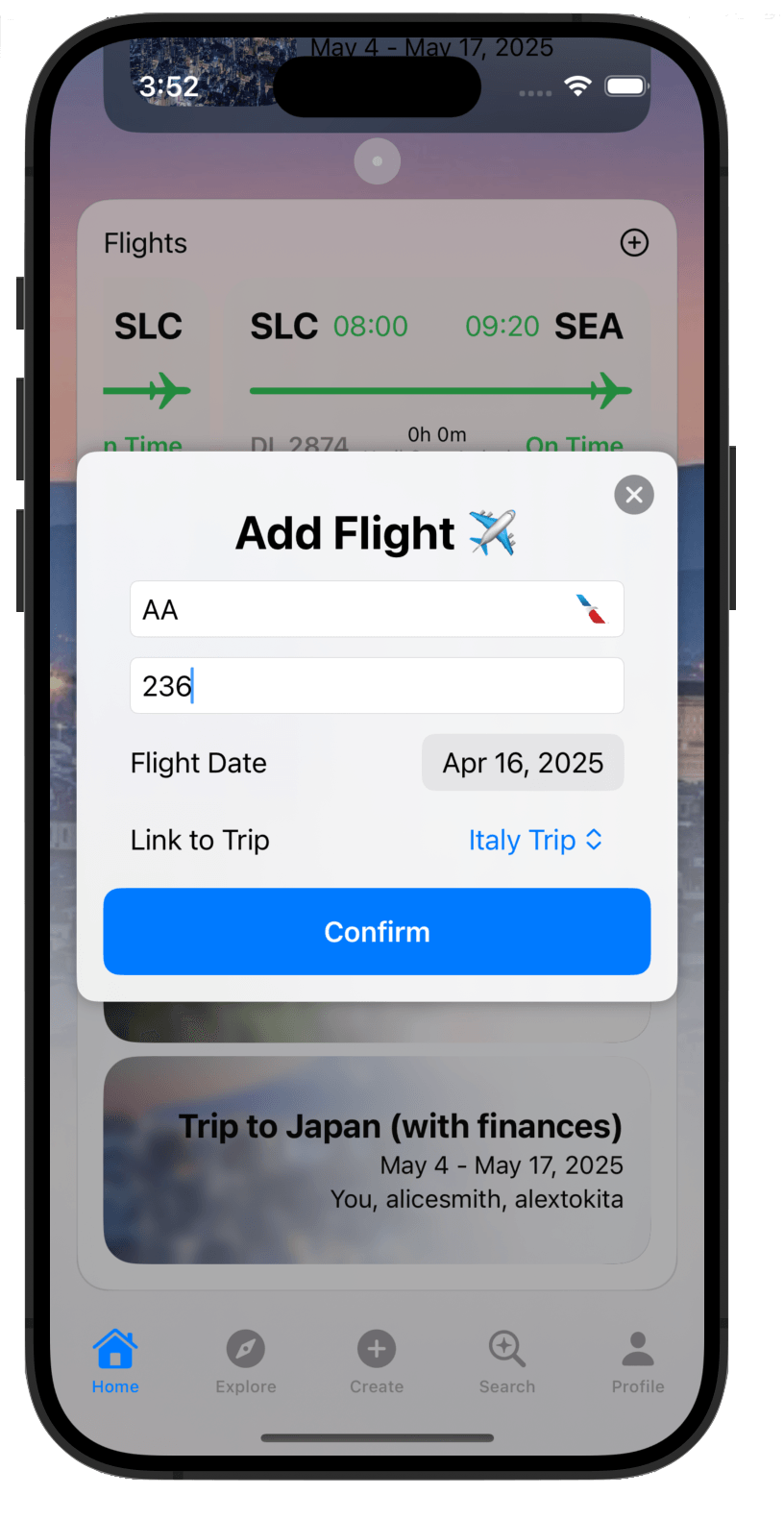
Step 2: Fill in Flight Info
After you hit the plus button, you will be greeted with a screen where you can fill in your flight information. Fill in this information and then press "Confirm".
Step 3: Find the Flight in the Flights Tab
In the home screen, scroll down until you see your "Flights" tab. If your flight appears, then you're good to go and you can expect up-to-date information for your flight! If no flight shows up, the flight info may not be available yet on our end.